
Almost every local model you run arrived through the same pipe. Whatever runtime you prefer, the weights came from Hugging Face, pulled by the huggingface_hub library sitting underneath the tool you actually used. That makes it the single most widely installed piece of infrastructure in local AI, and the one whose network behaviour is least examined, because nobody thinks of it as an application.
We read version 1.17.0 as installed on a studio work/test stack. There is a telemetry module. Nothing in the library calls it. The data that does leave on every request travels somewhere else entirely.
Does the Hugging Face CLI send telemetry?
There is a function for it, and it is more considerate than most.
huggingface_hub/utils/_telemetry.py is 125 lines and defines send_telemetry(). It posts to {ENDPOINT}/api/telemetry/{topic}, runs on a background thread so it never blocks your download, and it checks two conditions before doing anything at all:
“python
if constants.is_offline_mode() or constants.HF_HUB_DISABLE_TELEMETRY:
return
`
An explicit environment variable, HF_HUB_DISABLE_TELEMETRY=1, turns it off. Offline mode turns it off as a side effect. Both are documented in the environment variables reference. As telemetry implementations go, that is a good one: opt-out, documented, non-blocking, and honest about its own name.
Then we searched the library for anything that calls it. Across the entire package, outside its own definition and the module that exports it, there are no callers.
send_telemetry() is not the hub reporting on you. It is a helper the hub publishes so that *downstream* libraries can report their own usage if their authors choose to. Pulling a model with the CLI does not go through it.
So what does leave when you download a model?
A header, on every single request, and it is more specific than the function would have been.
Building the default request headers on this machine produces this user agent:
`
unknown/None; hf_hub/1.17.0; python/3.13.2; torch/2.10.0; agent/unknown
“
Read that field by field. It reports the hub library version, the exact Python version down to the patch, and the version of PyTorch installed on the machine. The library inspects your environment for a deep-learning framework and puts what it finds in a header attached to every API call.
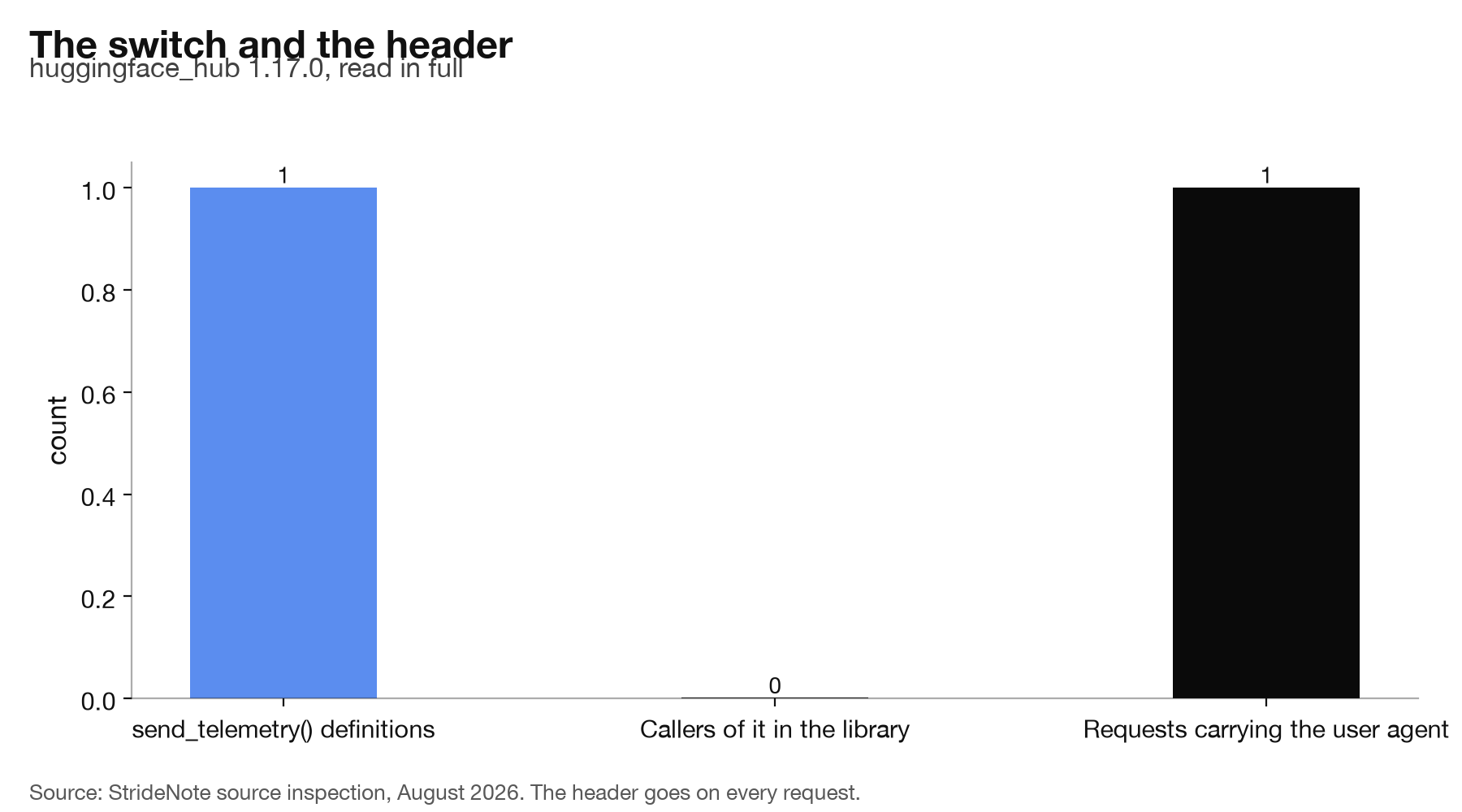
None of this is secret and none of it is unusual; user agents exist to let a service understand its clients. But it is worth being precise about what a server receives when you pull weights: your IP, your Python patch version, your torch version, and the hub version, on every request, with no environment variable that switches it off. HF_HUB_DISABLE_TELEMETRY governs the function nothing calls. It does not govern the header.
One detail in that user agent is worth pausing on, because it is the part that generalises. The
torch/2.10.0 field is not something the library was told; it is something the library went and
found. Building the header triggers a look at the local environment for an installed deep-learning
framework, and whatever version is there gets reported. That means the header is not a static
identifier for the client software, it is a small, live description of the machine’s setup, and it
changes when you upgrade a dependency that has nothing to do with downloading files.
Are these requests tied to you?
On this install, no, and that is worth checking on yours.
There was no token file on the machine, so requests go out unauthenticated. That leaves the server with an IP address and the user agent above, which is a weak identifier: shared, mobile, and not persistent.
A stored token changes that completely. It identifies an account rather than a connection, and it turns every download into a line in one person’s history. If you have ever run a login command, the token is on disk and being sent. That is the same distinction we drew when surveying which local AI tools give your machine a permanent name: an anonymous request and an identified one are different privacy propositions, and the difference is usually one file.
Hugging Face’s privacy policy is the reference for what they do with it. Our concern here is narrower and more practical: knowing which of the two situations you are in. Checking takes one command and the answer is binary, which is more than can be said for most privacy questions. It is also worth knowing that a token does not announce itself once stored: nothing in a normal download prints a reminder that the request went out attributed rather than anonymous.
What to check, and what to change
Three things, in order of how much they change.
Look for a token. Check whether a token file exists in the hub cache. If it does, your downloads are attributed. That may be exactly what you want, since it is also how you reach gated models, but it should be a decision rather than a leftover.
Set the variable if you use downstream libraries. HF_HUB_DISABLE_TELEMETRY=1 does nothing for the hub itself, but it does silence the libraries built on top of it that do call send_telemetry(). If you run transformers or diffusers, that is where it earns its keep.
Accept the header or work offline. There is no flag for the user agent. The only way to stop reporting your Python and torch versions is HF_HUB_OFFLINE, which stops the requests altogether and means working from what you have already cached.
The shape of this finding is now familiar from the rest of this series. The named, documented, opt-out-able mechanism is inert. The actual data trail is a default that carries no switch, and it is one line in a header nobody reads. We found the same inversion in LM Studio, where the analytics keys were absent and a proxy was on, and the practical lesson for anyone auditing local AI and privacy is the same: read what goes out, not what the settings screen offers to turn off.