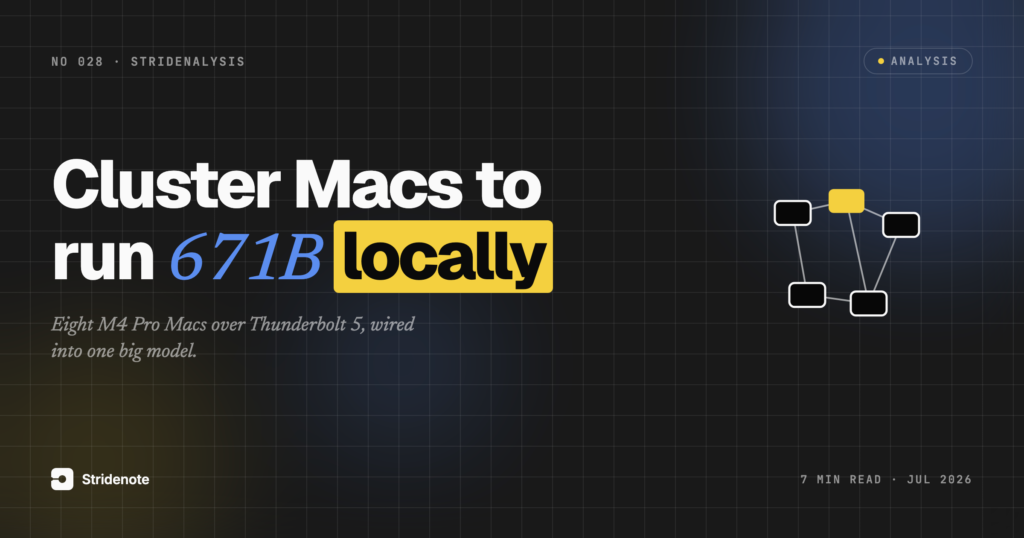
A Mac mini is about the size of a hardback book. Set eight of them on a shelf, wire them together, and the result can run an AI model with 671 billion parameters, the class of model that usually lives in a rack in a data centre. That is a real demonstration from EXO Labs, whose open-source software exo joins several Apple Silicon Macs into one machine by pooling their memory. This piece is about what exo does, why its late-2025 release changed the maths, and where clustering Macs for local AI makes sense and where it does not.
Why can’t a single Mac run a 671B model?
The size of the model you can run is capped by one thing: memory. The model’s weights have to fit, and on a Mac the processor and the graphics cores share a single pool of unified memory, which is the reason Apple Silicon does well at inference for its price. A 48GB Mac runs a quantised 30-billion-parameter model with room to spare. A 671-billion-parameter model needs hundreds of gigabytes, which no single consumer Mac has.
There are two ways past that wall. You shrink the model, which is the usual advice and the reason it pays to know how much memory a model actually needs before you buy hardware, and to pick the right Mac for local inference. Or you stop treating each Mac as a separate computer. exo takes the second route.
How does exo cluster Macs into one machine?
exo joins the machines and handles the rest. The Macs find each other on the network with no manual setup. exo then reads a live picture of the cluster, the memory on each device, the latency and bandwidth between them, and works out how to split the model across the available hardware. Once it is running, exo answers on the same APIs the rest of the local-AI world already speaks: the OpenAI, Claude, and Ollama formats, according to the project’s repository. Any tool you already point at a local model can point at an exo cluster without code changes.
Underneath, exo runs on Apple MLX, the framework tuned for Metal and unified memory that makes Apple Silicon competitive for this work in the first place, and which is increasingly central to local AI on a Mac. The clustering is the new part. The engine is the same one a single-Mac setup uses.
What did exo 1.0 and RDMA over Thunderbolt 5 change?
Clustering Macs was possible before 2025. The problem was the link between them. Splitting a model across machines means the devices pass data back and forth constantly, and if that connection is slow, it throttles the whole cluster no matter how fast each Mac is.
exo 1.0, released in December 2025, addressed that directly with day-0 support for RDMA over Thunderbolt 5. RDMA, remote direct memory access, lets one Mac read another Mac’s memory directly, with little work from the second machine’s processor. The repository states this cuts latency between devices by about 99%, with EXO Labs citing a drop from roughly 300 microseconds to around 3. The feature needs macOS 26.2 and a Mac with Thunderbolt 5, which means the M4 Pro, M4 Max, or M3 Ultra.
That single change is what moved Mac clustering from a curiosity to something fast enough to use. When the link between machines stops being the bottleneck, adding a machine adds capacity instead of mostly adding overhead.
How fast is a 671B model on clustered Macs?
The headline demonstrations are large models on small stacks of Macs.
| Model | Cluster | Reported result |
|---|---|---|
| DeepSeek V3 671B | 8 x M4 Pro 64GB Mac mini (512GB total) | 5.37 tokens/sec, 2.91s to first token |
Source: EXO Labs blog (DeepSeek on Mac mini cluster).
Two things stand out. First, 5.37 tokens per second for a 671-billion-parameter model, reported by EXO Labs on eight Mac minis, is fine for a batch job and slow for a live chat. The achievement is that it runs at all on hardware that fits on a shelf. Second, the exo repository states that RDMA makes models run faster as you add devices, and that splitting a model across machines gives up to a 1.8x speedup on two devices and 3.2x on four, which is the behaviour the latency fix was built to produce. It helps that the biggest models here use a mixture-of-experts design, where only a fraction of the parameters activate for any given token, so a 671B model can run faster than its size suggests.
Is clustering Macs for local AI worth it?
The case for exo is narrow and real. If you need a specific model that is too big for any one machine, and you need it on hardware you control, clustering is the route. The data never leaves your room, there is no per-token meter, and there is no account in the loop. For anyone weighing running locally against renting the cloud, exo is the piece that makes the biggest models part of that conversation rather than an automatic reason to reach for the cloud.
The limits are just as concrete. RDMA needs more than one Thunderbolt 5 Mac, and those are not cheap, so the entry price is real money for hardware that sits idle when you are not running a giant model. Throughput is modest next to a single high-end cloud GPU. And for most work, the honest answer is still a smaller model on one machine. exo is for the case where the model size is the hard requirement, not a general upgrade.
What it changes is the ceiling. A local setup used to mean “as large a model as one machine holds.” exo moves that line to “as large a model as a few machines hold,” and the RDMA work makes crossing that line fast enough to be worth doing.
Two years ago, running a 671-billion-parameter model meant renting time on someone else’s hardware. exo does not make that cheap or quick, but it makes it possible on machines that sit on a desk under your control. The number worth watching is not tokens per second. It is how few Macs it takes to clear the next model that matters, because each time that count falls, the boundary between what needs a data centre and what fits in a room moves with it.
Disclaimer: This is a research piece. We have not built an exo cluster ourselves: the results in this piece are the ones EXO Labs published, named where they appear.